

iPlayTV is a premium IPTV player designed exclusively for Apple TV, allowing users to stream their favorite IPTV playlists directly on Apple TV (3rd generation and newer). The app offers a smooth, fast, and modern interface, making it one of the most popular IPTV applications for the Apple TV platform.
iPlayTV is highly recommended among Apple TV IPTV apps thanks to its excellent performance, simple navigation, and reliable playlist playback. It is ideal for users who want a clean and stable IPTV experience on tvOS.
⚠️ Note: iPlayTV does not provide IPTV channels. An active IPTV subscription or playlist is required.
Key Features of iPlayTV
- IPTV player exclusively for Apple TV (tvOS)
- Supports IPTV playlists (M3U format)
- Smooth and modern user interface
- Optimized for Apple TV remote control
- Fast channel switching and stable playback
- Ideal for live TV streaming on Apple TV
Install IPTV Channels on iPlayTV
You need install iPlayTV from Apple TV app store . it Cost 5.99 USD
App in app store: https://apps.apple.com/app/iplaytv/id1072226801
Then follow these steps:
Time needed: 8 minutes.
Install IPTV in iPlayTV on Apple TV
- Select ADD Playlist
open iPlayTV and select Add Playlist

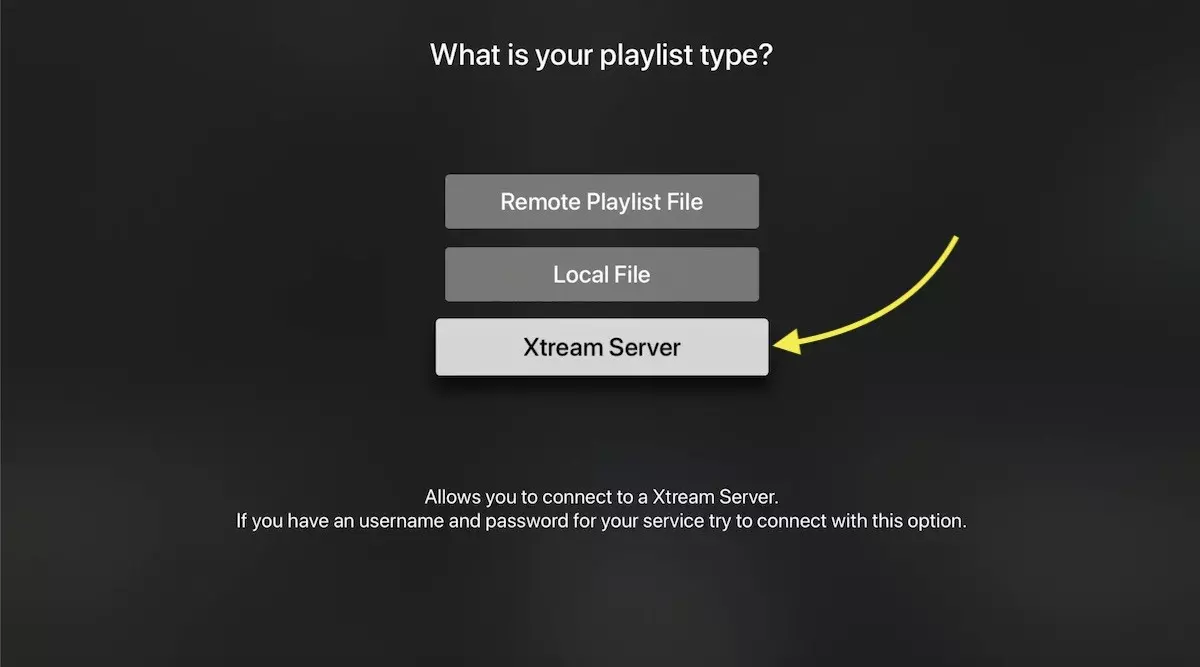
- Choose Xtream Server
There are 3 ways to add IPTV list: M3U link (Remote playlist file) , Downloaded m3u list (Local file) and Xtream Server. We recommend using Xtream server method which provide you more feature like EPG and play list auto update.
- Enter Xtream server details
You need enter the Xtream server details : Server URL ,Username and password which provided by your IPTV provider .
You can Extract Xtream server details form M3u link too , Look at FAQs section below.
Note: you need enter a name for playlist, it can be any name (install-iptv in this case)
Select Save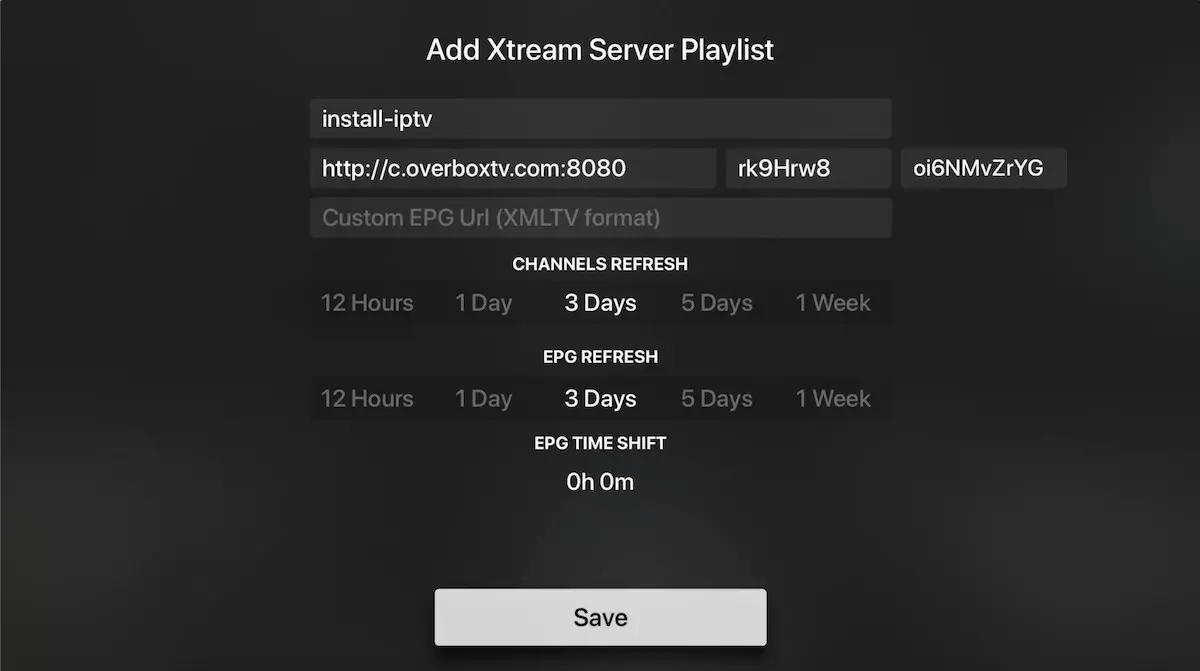
- Channels and VOD loading
In last the playlist load channels, VOD and EPG informations.
Done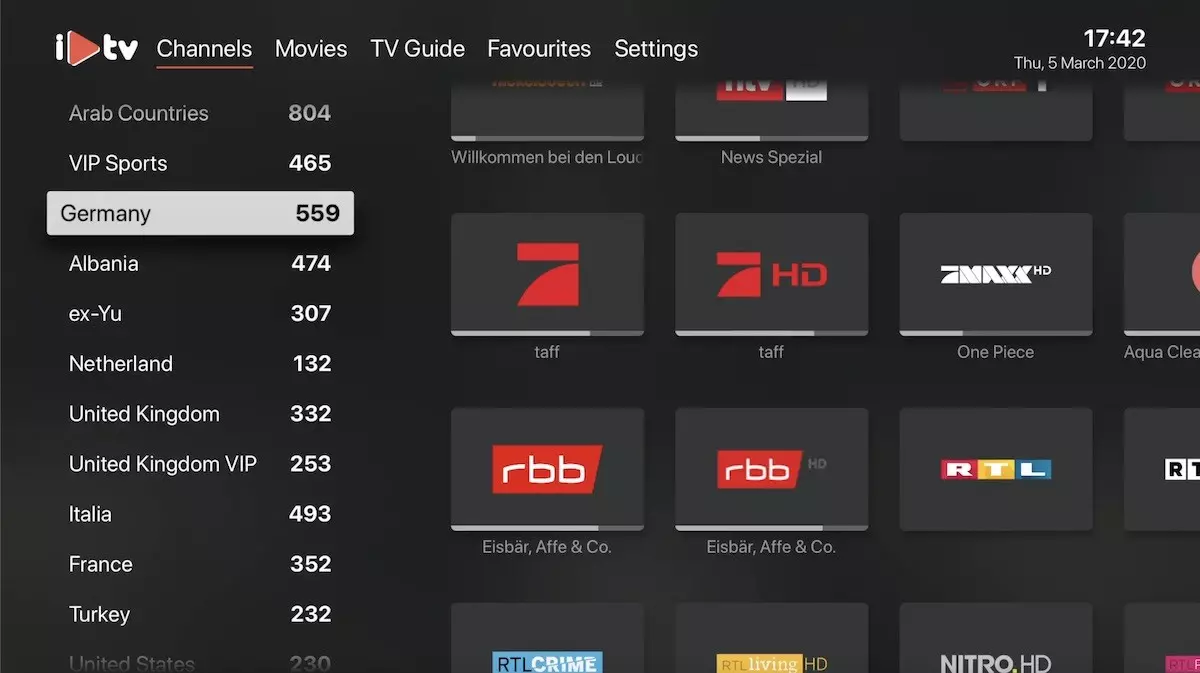
FAQs
How to find Xtream Codes details ?
You can extract Xtream Codes information from M3u link . look at this example:
