
TiviMate is one of the most advanced and popular IPTV player applications for Android TV and other big-screen Android devices. Known for its smooth performance, modern design, and easy-to-use interface, TiviMate consistently ranks as the #1 IPTV app on Android TV among IPTV users worldwide.
The application is specially designed for large screens, offering a premium viewing experience for live TV streaming. Please note that VOD (Movies & Series) is not supported by TiviMate, as the app focuses mainly on live TV and EPG-based content.
Key Features of TiviMate IPTV Player
- Modern and elegant user interface optimized for big screens
- Support for multiple IPTV playlists (M3U & Xtream Codes)
- Automatic and scheduled EPG (TV Guide) updates
- Add and manage favorite TV channels easily
- Catch-up TV support (provider dependent)
- Subtitle support for compatible channels
- Built-in recording feature for live TV programs
- Smooth navigation and fast channel switching
Setup IPTV playlist in TiviMate
- Add playlist
After install IPTV open it and select ADD PLAYLIST.
You able to add playlist in every method like download m3u link (local playlist), Remote playlist (Enter URL) and Xtream Code Login. We recommend connecting as Xtream Code method.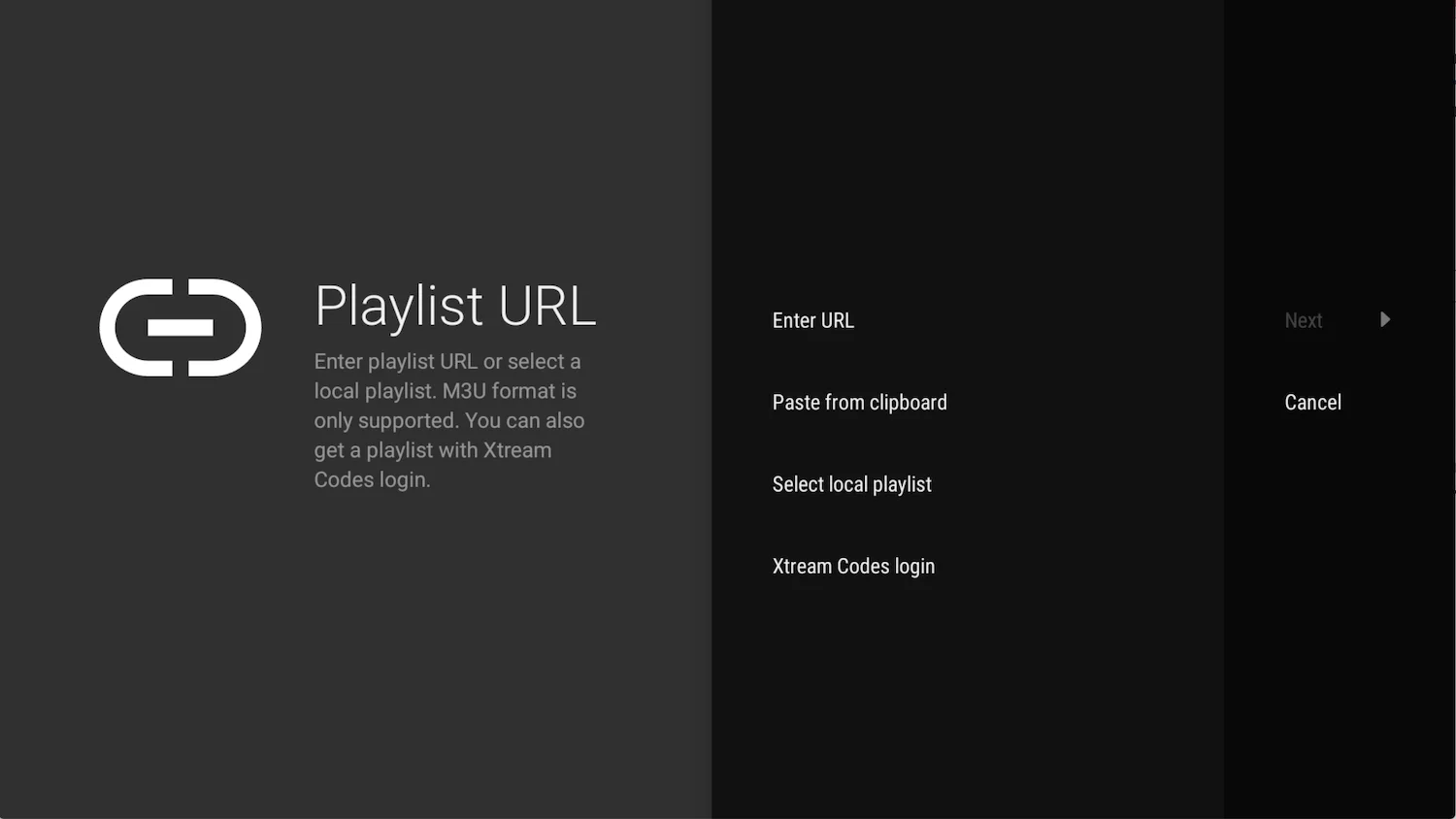
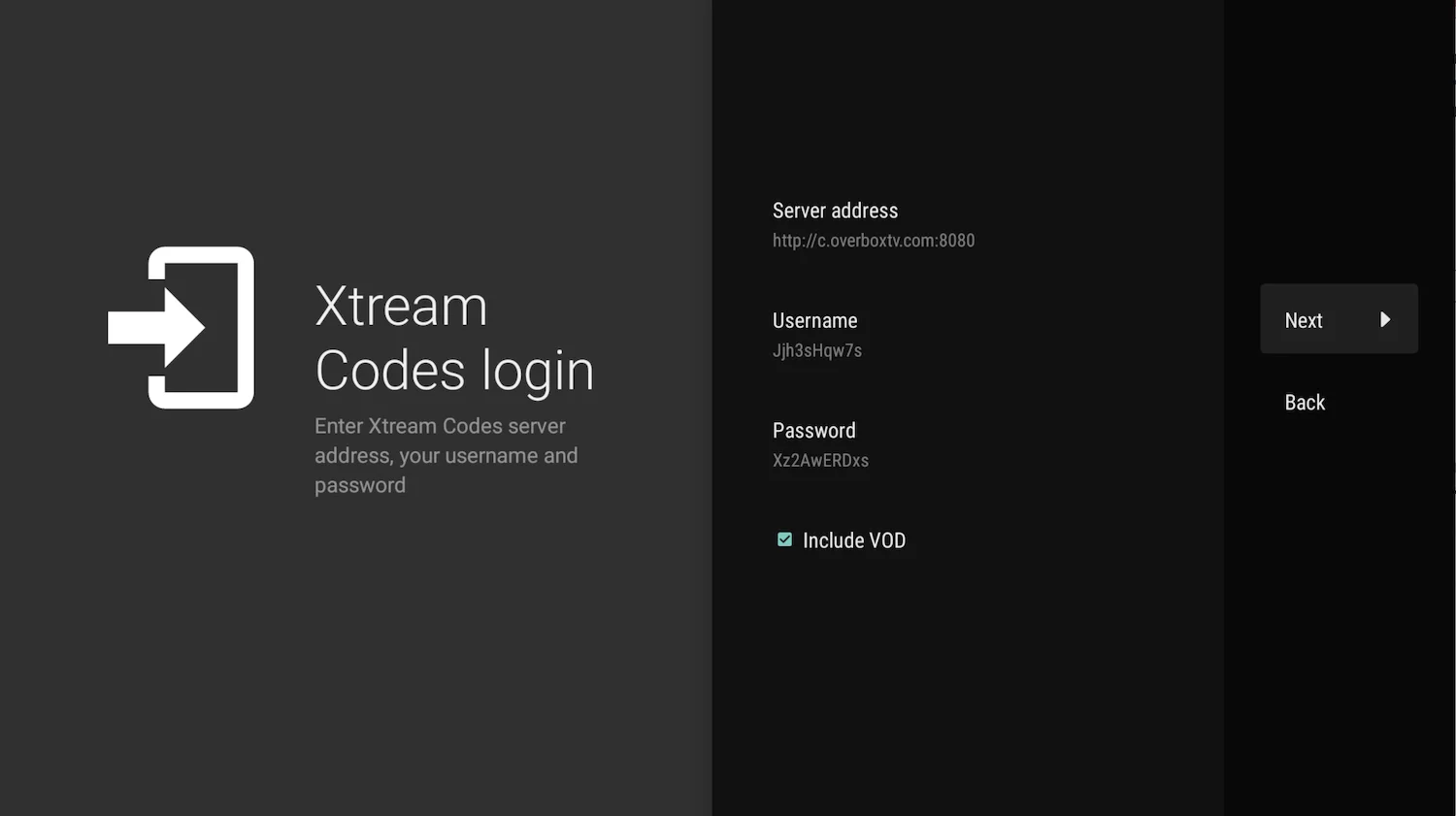
- Enter Xtream Codes details
choose Xtream Codes login and enter Xtream connection details which IPTV provider must provide to you. Then choose next.
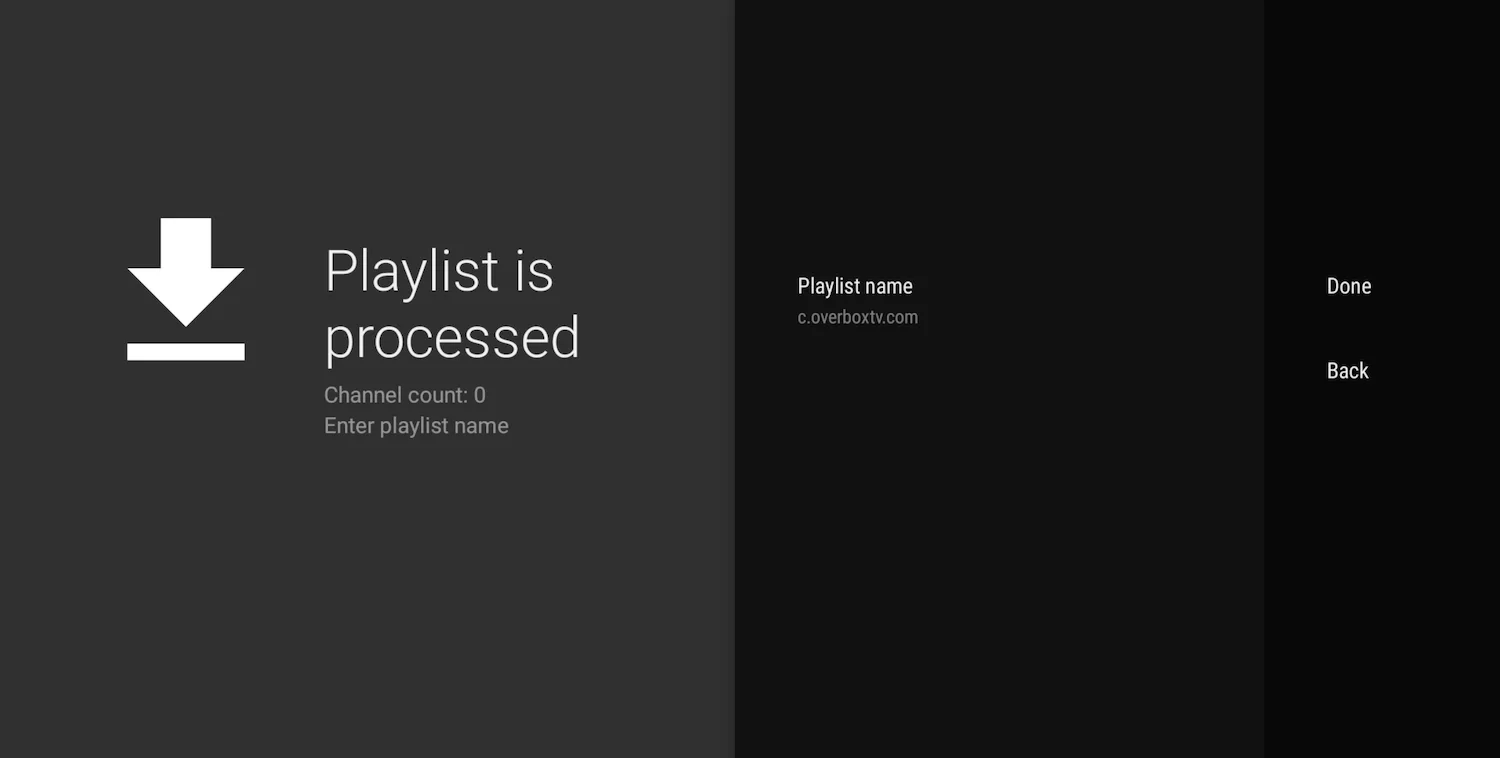
- Choose a name for playlist
TiviMate choose server domain for playlist name automatically. You can change it to every name you want then choose Done.